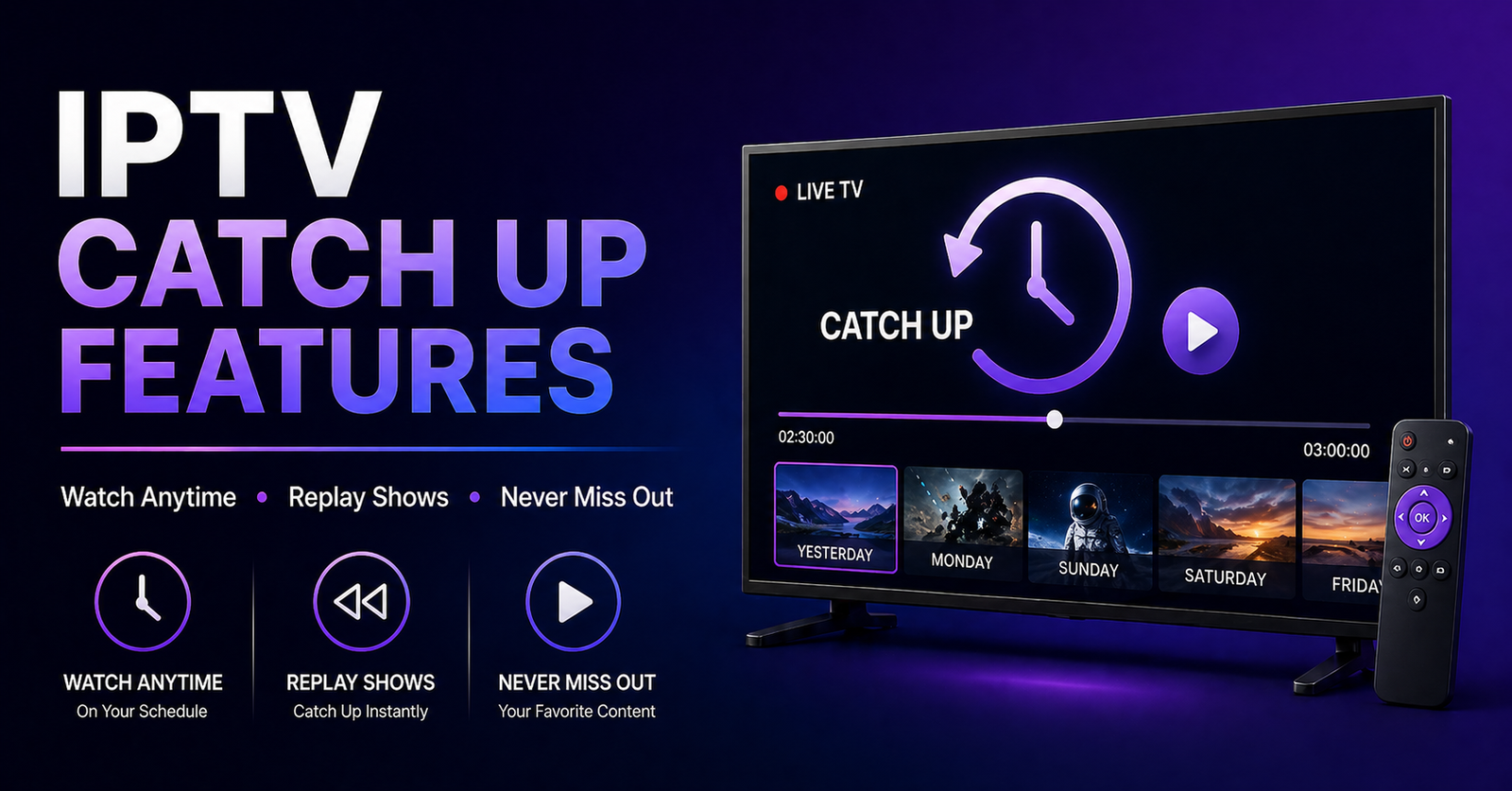

YourMost resellers list catch up in their packages without a second thought. It’s become a checkbox — something you mention on the pricing page and forget about. But here’s what three years of customer churn data actually shows: IPTV catch up features are the number one reason subscribers stay or leave after the first month.
Not stream quality. Not channel count. Catch up.
When someone misses a match or a series episode, they don’t want to hunt for it on another platform. They expect your panel to have it. If it doesn’t work — if the seek bar freezes, the recording cuts off mid-stream, or the content simply isn’t there — you’ve lost them. Quietly. Without a complaint ticket. They just don’t renew.
This article is about what’s actually happening under the hood when catch up works — and when it doesn’t. It’s written for UK IPTV resellers who want to stop selling a feature they can’t fully control, and start understanding it well enough to compete at a higher level.
IPTV catch up features aren’t magic. They’re infrastructure decisions made by whoever runs your upstream panel. But knowing how they work gives you leverage — in conversations with suppliers, in troubleshooting, and in how you position your service to customers.
Pro Tip: Before adding catch up to your sales pitch, ask your panel supplier one question: “Is catch up stored locally or pulled from an external CDN?” Their answer — or their hesitation — will tell you everything about reliability.
Why Catch Up Delivery Is More Complex Than Live Streaming
Live streaming is relatively forgiving. A dropped packet here, a brief buffer there — most viewers don’t notice if recovery is under two seconds. Catch up is a completely different beast. When a subscriber hits play on recorded content, they expect instant start, stable seek, and no mid-playback failure. That’s a much higher technical bar.
The delivery architecture behind functional IPTV catch up features typically involves:
- Timeshift servers that record streams continuously in rolling windows (usually 24–72 hours)
- HLS segmentation that breaks recordings into small chunks for adaptive playback
- Seek indexing that maps timestamps to file segments — without this, fast-forward and rewind break
- Storage hot zones that keep recently accessed content on fast-access drives versus archival tiers
Where most budget panels cut corners is seek indexing. The stream exists. You can press play. But scrubbing forward by 15 minutes drops you back to live or throws an error. Customers don’t understand the technical cause — they just know it doesn’t work.
HLS latency matters here too. If segments are too large (poor segmentation), the catch up experience feels clunky. If segments are too small, server load spikes during high-demand periods — like post-match replay rushes on Monday mornings.
| Infrastructure Element | Budget Panel Behaviour | Premium Panel Behaviour |
|---|---|---|
| Timeshift Window | 24 hrs, often partial | 72–168 hrs, full coverage |
| Seek Function | Breaks or resets | Smooth, frame-accurate |
| Storage Architecture | Single server, no redundancy | Distributed, hot/cold tiered |
| Playback Start Time | 3–8 seconds | Under 1.5 seconds |
| CDN Backup | None | Multi-region failover |
| EPG Sync | Manual, often misaligned | Auto-updated, timestamp-locked |
Understanding this table is worth more than any marketing claim a supplier makes. Ask for a trial — and specifically test catch up on content from 48 hours ago. That’s where weak infrastructure shows itself.
The EPG Alignment Problem Inside IPTV Catch Up Features
Here’s something that almost never gets discussed in reseller communities: catch up is only as good as the EPG that powers it.
EPG — Electronic Programme Guide — is the scheduling data that tells the system what was broadcast, when, and on which channel. When EPG data is delayed, inaccurate, or misaligned with the actual broadcast time, catch up breaks in a very specific and frustrating way. The subscriber selects a programme, the system fetches the wrong time segment, and they get either the wrong content or a fragment of the show they wanted.
This is a silent failure. The panel appears to work. Technically, something plays. But it’s not what the user selected, and they have no way of knowing why.
For resellers offering IPTV catch up features to family subscribers — people watching dramas, cooking shows, documentaries — this EPG misalignment is a conversion killer. These aren’t technically sophisticated users. They just know the programme guide showed one thing and they got another.
How to assess EPG reliability from your supplier:
- Request catch up on a known programme from exactly 36 hours ago
- Compare the start time of what plays against the official broadcast schedule
- Check if the EPG refreshes automatically or requires manual syncing
- Ask whether EPG data is sourced from a licensed provider or scraped
Pro Tip: Panels that sync EPG automatically every 6–12 hours with timestamp verification are meaningfully better for catch up accuracy. If your supplier can’t explain how their EPG updates, assume it’s manual — and plan for complaints.
How ISP Blocking in 2026 Is Targeting Catch Up Specifically
This is the angle that almost no one in the reseller space is talking about publicly.
Major broadcasters and their anti-piracy partners have evolved well beyond blocking live stream IPs. The new enforcement wave — actively expanding through 2025 into 2026 — is targeting recorded content delivery patterns. The logic is straightforward: live streams come and go, but catch up content has persistent URLs. Block the CDN endpoint, and you kill the catch up library without touching the live feed.
DNS poisoning is being applied selectively to catch up delivery domains. A subscriber might have perfect live viewing for weeks, then suddenly find that catch up consistently fails — not because your panel is down, but because the delivery domain for recorded content has been flagged and poisoned at the ISP level.
What this means for resellers:
- Catch up complaints that spike in specific regions may indicate ISP-level DNS interference rather than a server problem
- Panels with dedicated catch up domains (separate from live delivery) are more resilient — blocking one doesn’t kill the other
- Back up uplink servers that route catch up through alternative pathways are no longer optional infrastructure — they’re operational survival
The ISPs most aggressively applying these tactics are those under direct contractual pressure from premium sports rights holders. Geographically, this activity is heaviest in the UK, Germany, and parts of the Middle East — all major markets for IPTV resellers.
Pro Tip: If catch up works fine on mobile data but fails on home broadband for the same customer, DNS poisoning is the most likely cause. Train your support team to ask this question first — it saves hours of misdirected troubleshooting.
Load Handling During Catch Up Rush Periods
Nobody plans for the Monday morning replay surge. A major sporting event airs on Sunday — your subscribers watch live. Then Monday, Tuesday, they want to rewatch key moments, share specific segments, loop the highlights. If your catch up infrastructure wasn’t built for concurrent replay demand, this is when it collapses.
The failure pattern looks like this:
- Catch up works fine at low concurrency (10–20 simultaneous users)
- Post-event, concurrent catch up requests spike 5–10x
- Timeshift servers hit I/O limits — reads slow down
- Buffers increase, streams drop, customers report “catch up not working”
- Panel provider blames the customer’s internet
This isn’t theoretical. It’s a documented pattern in reseller communities every time a high-profile sports event draws large concurrent audiences.
Load balancing across multiple timeshift nodes is the technical solution — but it’s expensive infrastructure that budget panels don’t offer. What this means practically: if you’re targeting sports-heavy customers, you need a supplier who can articulate exactly how they handle catch up concurrency at scale. Vague answers mean they haven’t solved it.
Questions to ask your panel provider:
- How many concurrent catch up streams can your infrastructure support per 1,000 active subscribers?
- Do you use load balancing across multiple storage nodes for recorded content?
- Is catch up served from the same server as live, or a dedicated delivery layer?
- What’s your failover time if the primary catch up server goes down?
If they can answer all four with specifics, they’ve invested in the infrastructure. If they deflect or go generic, the Monday morning surge is coming for you eventually.
Pricing IPTV Catch Up Features Without Undervaluing Them
Here’s the commercial reality that most new resellers get wrong: catch up is a premium feature that’s being given away as a standard one.
The moment you include IPTV catch up features in your base package without differentiation, you’ve commoditised yourself. Competitors who offer the same feature at a lower price will always win that race — and it’s a race with no finish line.
Smarter positioning looks like this:
- Base plan: Live channels only, no catch up, lower price point
- Standard plan: Catch up with a 24-hour window, covers most casual viewers
- Premium plan: Full 72-hour catch up with reliable seek functionality, positioned for sports and drama subscribers
This tiering does something important beyond just increasing average revenue per user. It makes catch up visible as a product — something that has infrastructure behind it and value attached to it. Customers on the base plan who experience catch up on a trial will upgrade. Customers who understand why catch up costs more will complain less when occasional issues occur.
Pro Tip: When quoting premium subscribers, frame catch up as “never miss a moment” insurance — not a technical specification. The emotion of missing a match or series finale sells the upgrade faster than any feature list.
What a Reseller Actually Controls in IPTV Catch Up Features
Transparency matters here, because a lot of resellers carry guilt or stress about catch up issues that are entirely outside their control. Understanding the boundaries helps you respond better to customers and communicate more honestly.
What you control:
- Which plan tier you offer catch up on
- How you explain and set expectations during onboarding
- How quickly you escalate supplier-side issues
- Whether you test catch up before selling each new panel provider
your supplier controls:
- Timeshift recording coverage and accuracy
- Storage redundancy and failover systems
- EPG data quality and refresh frequency
- Response time when catch up infrastructure has issues
neither of you controls:
- ISP-level DNS blocking of catch up delivery domains
- Major broadcaster anti-piracy enforcement actions
- Regional routing congestion affecting CDN performance
Knowing this boundary map changes how you handle support conversations. When a customer says catch up isn’t working, you can run a quick diagnostic: test on mobile data vs. home broadband (ISP issue?), test a different device (app issue?), test a channel that isn’t sports-heavy (CDN targeting?). Structured troubleshooting instead of panic.
The Retention Math Behind IPTV Catch Up Features
Let’s close with the number that actually matters for your business.
Studies across subscription platforms consistently show that users who engage with catch up or on-demand content have 40–60% higher retention rates than those who only watch live. In IPTV terms, this means a subscriber who uses catch up regularly is dramatically less likely to cancel at renewal.
This isn’t surprising when you think about it. Live-only subscribers leave when there’s nothing on that interests them that day. Catch up users always have a queue — content they meant to watch, events they missed, shows they’re following. The panel becomes a destination, not just a background service.
For resellers, this translates into a specific operational priority: encourage catch up usage actively, not passively. Don’t just list it on your pricing page. In your welcome message, show new subscribers how to access it. In support conversations, mention it. If you have any communication channel with your subscriber base, remind them what’s available.
IPTV catch up features that nobody uses don’t reduce churn. IPTV catch up features that subscribers integrate into daily habits do.
Reseller Success Checklist: IPTV Catch Up Features
Before your next sale or renewal conversation, run through this:
Supplier Verification
- Tested catch up on content from 48 hours ago — it worked correctly
- Confirmed timeshift window (minimum 24 hours, prefer 72)
- Verified EPG sync method and frequency
- Asked about concurrent catch up load handling
- Confirmed dedicated catch up delivery layer (separate from live)
Pricing and Positioning
- Catch up is differentiated across plan tiers — not standard on base
- Customer onboarding includes how-to guidance for catch up access
- Support team trained to diagnose ISP vs. server issues
Infrastructure Awareness
- You know whether your panel uses CDN backup for catch up delivery
- You have a process for escalating supplier-side catch up failures
- You understand the DNS poisoning risk in your primary markets
Churn Prevention
- New subscribers receive catch up activation guidance within 24 hours
- Catch up is mentioned in retention conversations and renewal reminders
- You monitor catch up-related complaints as a separate category from live issues
Catch up is no longer a bonus feature. In 2026, it’s a retention mechanism, a differentiator, and increasingly, a technical battleground. UK IPTV Resellers who treat IPTV catch up features as infrastructure — not just a checkbox — are the ones who scale without hemorrhaging customers every quarter.