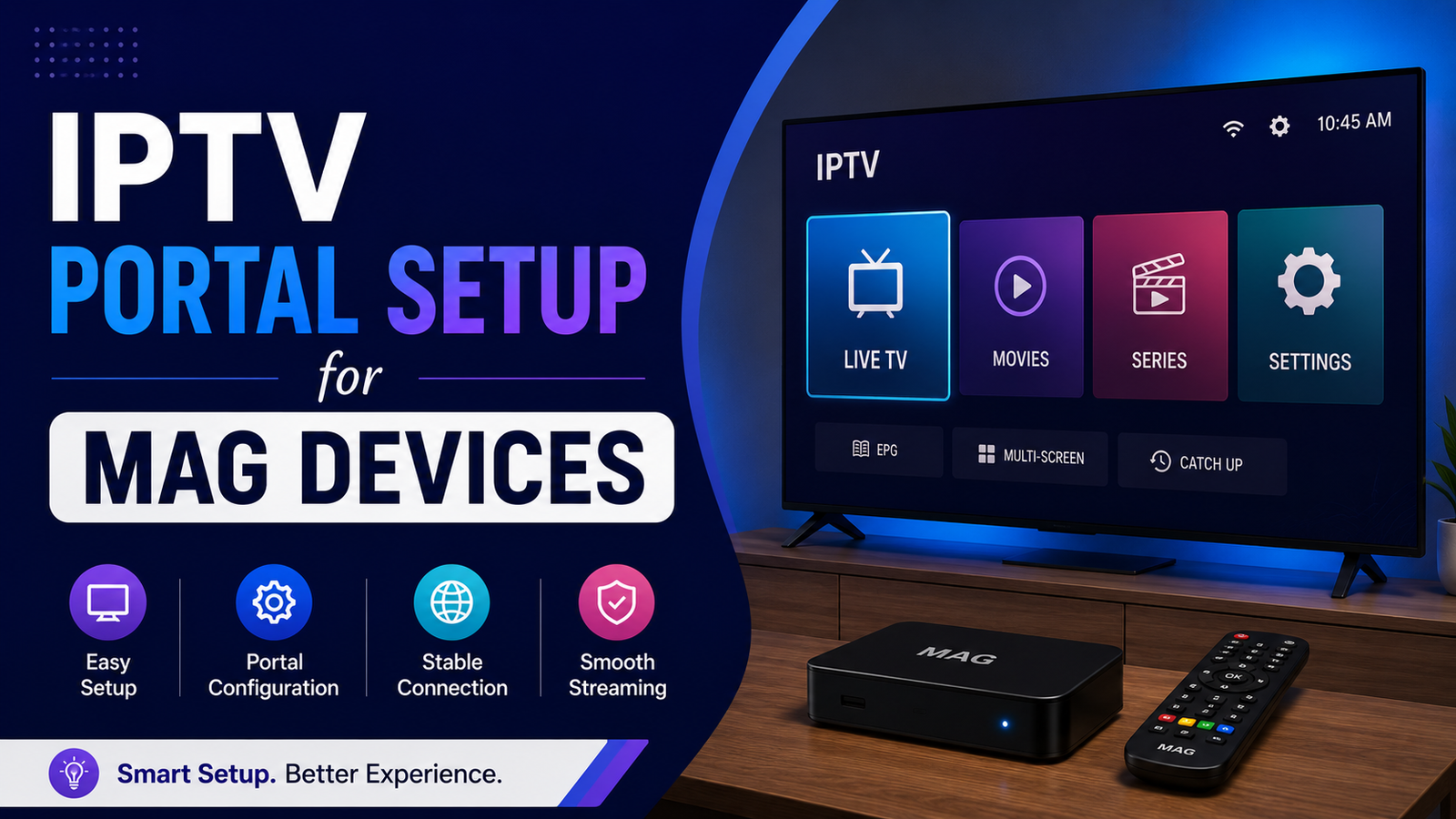

The Moment Your MAG Box Refuses to Load — That’s Where This Guide Starts
There’s a specific kind of silence that every IPTV reseller knows. The MAG device boots. The loading bar crawls. And then — nothing. A blank portal screen staring back while your subscriber’s WhatsApp message is already vibrating in your pocket.
IPTV portal setup for MAG devices isn’t complicated on paper. Infomir documented the process years ago. But the gap between “documented” and “operational at scale” is where most resellers bleed subscribers, waste credits, and quietly consider whether this business is worth the headaches.
This article isn’t the sanitised version. It assumes you’ve already plugged in a MAG box at least once and wondered why the portal URL you entered perfectly still throws an error. It assumes you’ve dealt with a subscriber who swears they “didn’t change anything” — and yet their inner portal settings are a graveyard of wrong URLs.
We’re going to walk through IPTV portal setup for MAG devices the way it actually works in the field: the configuration sequence, the middleware relationship, the DNS traps, the ISP interference patterns showing up in 2026, and the scaling decisions that determine whether your operation handles fifty boxes or five thousand.
No broadcaster names. No legal grey areas. Just infrastructure, execution, and the operational knowledge that separates a IPTV reseller running a business from someone running a hobby.
What IPTV Portal Setup for MAG Devices Actually Means at the Middleware Level
Most guides treat IPTV portal setup for MAG devices as a URL entry task. Type the portal address into the device settings, reboot, done. That framing is technically correct and practically useless — because it ignores the middleware layer that actually determines whether your subscriber sees a channel list or an error screen.
When a MAG device boots, it doesn’t just “connect to a server.” It initiates a handshake with middleware — typically Ministra (formerly Stalker) or a comparable platform. The portal URL you enter is essentially a front door to that middleware. The device sends its MAC address, the middleware checks it against the reseller panel’s database, and if everything aligns, it returns an authenticated session with the subscriber’s bouquet.
The failure points aren’t where beginners think they are. They’re in the MAC authentication layer, the middleware’s API response time, and whether the portal URL resolves correctly under the subscriber’s specific DNS conditions.
Pro Tip: Before you ever troubleshoot a MAG portal loading issue, run a DNS lookup on the portal URL from your subscriber’s network. Half the time, the URL is resolving to a dead or outdated IP because the provider rotated servers and the DNS propagation hasn’t completed — or the ISP is injecting its own DNS response.
The Exact Configuration Sequence That Prevents 80% of Portal Failures
Here’s where most written guides fail you: they list the menu path without explaining the dependency chain. IPTV portal setup for MAG devices follows a specific order, and skipping steps or reversing them creates issues that look random but are entirely predictable.
The correct sequence, field-tested across MAG 254, 322, and 524 models:
- Step 1: Factory reset the device. Not a soft reboot — a full inner portal reset. Old portal data cached in memory causes conflict with new URLs more often than anyone admits.
- Step 2: Set the device timezone and NTP server before touching portal settings. MAG devices validate session tokens partly based on time synchronisation. A two-hour clock drift will cause authentication loops.
- Step 3: Enter the portal URL exactly as provided — including the protocol prefix and any trailing path.
http://andhttps://are not interchangeable. One wrong character, one missing slash, and the middleware handshake fails silently. - Step 4: Reboot and wait for full initialisation. Do not interrupt the first boot cycle after portal entry.
That sequence sounds basic. But when you’re onboarding twenty subscribers in a weekend, shortcuts creep in. And those shortcuts become support tickets by Monday morning.
Why DNS Configuration Is the Silent Killer in MAG Device Deployments
You can execute IPTV portal setup for MAG devices perfectly and still face blank screens if the DNS layer is compromised. This is the single most under-discussed topic in reseller communities, and in 2026, it’s become the primary failure vector.
Here’s the mechanism. Most subscribers run their MAG device on default ISP-provided DNS. Those ISP DNS servers increasingly employ filtering, redirect injection, and in some UK and EU markets, outright DNS poisoning against known IPTV middleware domains. The device resolves the portal URL, hits a poisoned response, and either loads nothing or redirects to a block page.
| Scenario | Behaviour | Subscriber Sees |
|---|---|---|
| Correct DNS resolution | Portal loads, middleware authenticates | Channel list |
| ISP DNS redirect | URL resolves to block/warning page | Browser-style error or blank |
| DNS propagation delay | URL resolves to old/dead server IP | Loading timeout |
| DNS over HTTPS mismatch | Device ignores DoH, uses plain DNS | Inconsistent loading |
The fix isn’t complicated, but it requires intervention at the router level — not on the MAG device itself, since most MAG firmware doesn’t support custom DNS natively.
Pro Tip: Instruct subscribers to set DNS at the router level to a privacy-respecting resolver (like 1.1.1.1 or 9.9.9.9) rather than attempting device-level DNS changes. MAG devices pull DNS from DHCP, so the router is your control point.
The MAC Address Problem Nobody Warns You About
Every guide mentions MAC addresses during IPTV portal setup for MAG devices. Few explain why MAC management becomes a scaling nightmare.
Each MAG device has a unique MAC address printed on the sticker and embedded in firmware. Your panel registers that MAC against a subscription line. Simple enough for one box. Now multiply it.
The real-world problems:
Subscribers buy second-hand MAG devices with MACs already registered on another reseller’s panel. The device connects, hits middleware, and gets rejected — or worse, loads someone else’s subscription. You spend forty minutes troubleshooting what turns out to be a MAC collision you had no way of predicting.
Then there’s MAC cloning. Some MAG models allow inner portal MAC modification. Subscribers share their working MAC with friends, and suddenly two devices are fighting for the same authentication token. Sessions drop randomly. Both subscribers blame you.
Your panel should enforce one-MAC-one-line binding with automatic session kill on duplicate detection. If your middleware doesn’t support this, you’re operating without a seatbelt.
Pro Tip: Build a simple spreadsheet or database logging every MAC you activate, the subscriber it’s assigned to, and the activation date. When a conflict appears — and it will — you’ll resolve it in minutes instead of hours.
How ISP Blocking in 2026 Directly Disrupts MAG Portal Connections
The enforcement landscape has shifted. Two years ago, ISP blocking was mostly domain-level — simple DNS blocks you could sidestep with alternative resolvers. In 2026, the approach has matured into something considerably more aggressive, and it directly affects IPTV portal setup for MAG devices.
What’s changed:
Deep packet inspection is now deployed by several major broadband providers. DPI doesn’t care about your DNS settings — it analyses the traffic pattern itself. HLS stream signatures, middleware API call structures, and even the HTTP headers that MAG devices send during portal authentication can trigger automated throttling or connection resets.
The practical impact for resellers is this: a subscriber can complete IPTV portal setup for MAG devices successfully, see the channel list load, and then experience constant buffering or random disconnections — not because the server is overloaded, but because the ISP is selectively degrading the connection.
Countermeasures exist but require infrastructure investment. Backup uplink servers on different IP ranges, traffic obfuscation at the server level, and subscriber-side VPN routing for the MAG device’s traffic are the three approaches currently showing results. None of them are free, and all of them add complexity to your support workflow.
This is the part of the business that separates operators from hobbyists. Anyone can enter a portal URL. Keeping that portal connection stable against active ISP interference is an infrastructure challenge.
Panel Credit Management and Its Hidden Link to Portal Stability
This one catches intermediate resellers off guard. IPTV portal setup for MAG devices works fine initially, but the portal suddenly stops loading weeks later — and the reseller panics, assuming a server issue.
The actual cause, in roughly a third of cases: expired panel credits.
Most IPTV reseller panels operate on a credit system. You purchase credits from your upstream provider, and each subscriber line consumes credits over time. When your credit balance hits zero, the panel doesn’t always send a clear notification. It simply stops authenticating new sessions. Existing sessions may continue until they expire, but any MAG device that reboots or loses power during a zero-credit period will fail to reload the portal.
From the subscriber’s perspective, their box “just stopped working.” From your perspective, you’re checking server status, DNS, and middleware logs — when the answer is sitting in your panel’s billing tab.
- Set credit balance alerts at 20% remaining capacity
- Automate credit top-ups if your provider supports API-based purchasing
- Never let credits fully deplete — the re-authentication storm when you refill can overload middleware temporarily
This is operational discipline, not technical skill. But it’s the kind of discipline that keeps a reseller business running without constant firefighting.
Choosing Between Stalker Middleware and Xtream Codes for MAG Deployments
IPTV portal setup for MAG devices doesn’t exist in a vacuum — it’s shaped by which middleware platform sits behind the portal URL. The two dominant options in the reseller ecosystem handle MAG devices very differently, and choosing wrong creates problems that compound as you scale.
Stalker-based middleware (Ministra) was purpose-built for MAG devices. The authentication flow, EPG integration, and channel categorisation are native. MAG boxes connecting to Stalker middleware generally experience fewer compatibility issues, faster portal loading, and more reliable session persistence.
Xtream Codes panels dominate the reseller market because of pricing and ease of management. But MAG device support through Xtream Codes is technically a compatibility layer — not a native integration. The panel generates a Stalker-compatible portal URL, but the underlying session management differs. This creates edge cases: EPG misalignment, occasional channel ordering glitches, and slightly higher HLS latency during peak hours.
| Factor | Stalker/Ministra | Xtream Codes (MAG mode) |
|---|---|---|
| MAG native support | Full | Compatibility layer |
| EPG reliability | High | Moderate |
| Panel cost | Higher | Lower |
| Reseller scalability | Moderate | High |
| Session stability | Strong | Occasional drops |
| Load balancing options | Manual config | Built-in (panel-dependent) |
Neither is wrong. But if your subscriber base is predominantly MAG devices, understanding this distinction matters more than most resellers realise.
Load Balancing: Why a Single Server Guarantees Failure Above 200 Lines
Once you’ve handled IPTV portal setup for MAG devices for more than a couple hundred subscribers, a single server becomes a liability rather than a cost saving. The arithmetic is straightforward but unforgiving.
Each active MAG connection maintains a persistent stream — typically 8 to 12 Mbps for HD content. Two hundred concurrent streams at 10 Mbps average equals 2 Gbps sustained throughput. Most single-server setups on standard hosting plans cap at 1 Gbps. You’re already over capacity before accounting for EPG updates, middleware API calls, and catch-up TV requests running in parallel.
The result isn’t a clean failure. It’s gradual degradation — buffering that starts during peak evening hours and slowly creeps earlier into the afternoon as you add subscribers. Your MAG users experience it as stuttering, freezing, and audio desync. They don’t know or care that your server is saturated. They just know the service they’re paying for doesn’t work properly.
Load balancing across multiple uplink servers solves this, but implementation matters:
- Round-robin DNS is the cheapest approach and the least reliable. DNS caching means subscribers stick to one server even after you’ve redistributed load
- Panel-level load balancing distributes new connections across servers automatically. Most Xtream Codes panels support this natively
- Geographic distribution places servers closer to subscriber clusters, reducing latency and improving HLS stream startup times
Pro Tip: Keep at least one backup uplink server that isn’t in your regular rotation. When your primary infrastructure goes down — and it will, eventually — having a cold standby with pre-configured portal URLs saves your subscriber retention rate.
Subscriber Onboarding: The Process That Determines Your Churn Rate
IPTV portal setup for MAG devices isn’t just a technical task — it’s the first real interaction your subscriber has with your service quality. Fumble it, and you’re fighting an uphill battle on retention from day one.
The resellers with the lowest churn rates don’t just send a portal URL via WhatsApp and hope for the best. They’ve built a repeatable onboarding sequence:
- A short visual guide (screenshots or a 90-second video) showing the exact menu path on the MAG device for portal entry
- A pre-configuration checklist the subscriber confirms before contacting support (timezone set, DNS changed at router, factory reset completed)
- A follow-up message 24 hours after activation confirming the service is working
That last point is the one most resellers skip, and it’s the one that matters most. A subscriber who hits a problem in the first 24 hours and can’t reach you will either demand a refund or quietly disappear. A proactive check-in catches issues before they become complaints.
The psychology is simple: subscribers judge the entire service based on the first 48 hours. If IPTV portal setup for MAG devices goes smoothly and the first evening of viewing is buffer-free, you’ve earned months of loyalty. If it’s a mess of error screens and unanswered messages, no amount of credit pricing will save that relationship.
Firmware Versions and the Compatibility Traps They Set
Not every MAG device runs the same firmware, and IPTV portal setup for MAG devices behaves differently across versions. This is a detail that only surfaces when you’re managing a mixed fleet of devices across your subscriber base.
Older MAG 254 units running firmware below R23 have known issues with HTTPS portal URLs. The SSL/TLS library in those firmware versions doesn’t support modern certificate chains, so a portal URL that works perfectly on a MAG 322 will throw a connection error on an older 254. The fix is a firmware update — but remote firmware updates on MAG devices are unreliable, and many subscribers lack the technical confidence to do it themselves.
MAG 524 units (the 4K-capable models) introduced a redesigned inner portal interface. The menu path for entering portal URLs shifted, which means your onboarding guide needs device-specific variations. A single generic guide creates confusion and support tickets.
This is why experienced resellers maintain a simple device compatibility matrix — which firmware versions work with which portal URL format, and which devices need special handling. It’s a small investment in documentation that prevents a disproportionate amount of support overhead.
Pro Tip: When a subscriber reports a portal loading issue, always ask for their device model and firmware version before troubleshooting anything else. It eliminates an entire category of false leads.
Scaling Past 500 MAG Subscribers Without Losing Operational Control
IPTV portal setup for MAG devices at scale introduces problems that simply don’t exist at smaller numbers. The shift from fifty to five hundred subscribers isn’t linear — it’s a phase change that forces operational decisions most resellers aren’t prepared for.
At fifty subscribers, you can manage MAC registrations manually and remember individual issues. At five hundred, you need systems. A proper CRM or ticketing tool — even a structured spreadsheet — that tracks each subscriber’s MAC, device model, activation date, subscription tier, and support history. Without this, you’re guessing. And guessing at scale means missed renewals, duplicate MACs slipping through, and subscribers churning silently because their issue was lost in a WhatsApp chat history.
The panel management side compounds this. Five hundred active MAG lines generate meaningful middleware load. Your EPG updates need scheduling to avoid peak viewing hours. Your credit consumption rate means weekly or bi-weekly top-ups instead of monthly. Your backup server strategy shifts from “nice to have” to “business continuity requirement.”
And the financial model changes. At fifty lines, margins are forgiving. At five hundred, your per-line cost structure — credits, server hosting, DNS services, support time — determines whether you’re running a profitable business or an expensive hobby. Every inefficiency in your IPTV portal setup for MAG devices workflow multiplies across every subscriber.
Frequently Asked Questions
Does IPTV portal setup for MAG devices differ between MAG 254 and MAG 524?
The core process is identical — entering a portal URL through the device’s inner portal settings — but the menu interface changed significantly on MAG 524 units. Additionally, older MAG 254 firmware may not support HTTPS portal URLs due to outdated TLS libraries. Always verify firmware version before assuming the setup path matches your documentation.
Can I use the same portal URL for MAG devices and app-based IPTV players?
Not directly. MAG devices connect via Stalker-based middleware using MAC authentication, while most app-based players use Xtream Codes API with username and password credentials. Your panel generates different connection formats for each. Attempting to use an M3U or Xtream login on a MAG device will fail at the authentication stage.
Why does my MAG device load the portal but show no channels after IPTV portal setup?
This typically indicates a MAC registration issue rather than a portal configuration problem. The device is reaching middleware successfully, but the MAC address isn’t matched to an active subscription line in your panel. Verify the MAC is registered correctly, confirm your panel credits are active, and check that the subscription hasn’t expired.
How do I know if ISP blocking is affecting my MAG portal connection?
The clearest indicator is inconsistency — the portal loads on one network but fails on another, or works via mobile hotspot but not the subscriber’s home broadband. Testing the portal URL resolution through different DNS servers confirms whether the ISP is poisoning DNS responses. Persistent buffering despite adequate internet speed also suggests DPI-based throttling.
Is a VPN necessary for IPTV portal setup for MAG devices?
A VPN isn’t required for the setup process itself, but it can resolve ISP-related blocking issues post-setup. Since most MAG devices lack native VPN clients, the VPN must be configured at the router level. This adds complexity and can slightly increase latency, so it’s best deployed only when ISP interference is confirmed.
How many MAG devices can a single IPTV server support before performance degrades?
This depends on server bandwidth and stream bitrate. At 10 Mbps average per HD stream, a 1 Gbps server theoretically supports around 100 concurrent streams — but real-world overhead from middleware, EPG, and API calls reduces that to roughly 70–80 reliable connections. Beyond that, load balancing across multiple servers becomes essential.
What happens to MAG device portal settings during a server migration?
If your provider changes the portal URL during migration, every MAG device on your panel needs manual reconfiguration — the new URL must be entered through each device’s inner portal. There’s no remote push mechanism on standard MAG firmware. Planning migrations during off-peak hours and notifying subscribers in advance prevents a flood of simultaneous support requests.
Can expired panel credits cause IPTV portal setup for MAG devices to fail?
Yes. When panel credits are depleted, middleware stops authenticating new sessions. A MAG device attempting to connect — whether first-time setup or after a reboot — will fail to load the channel list. Existing sessions may persist temporarily, but any interruption triggers the same authentication failure. Maintaining a credit buffer and setting low-balance alerts prevents this entirely.
Your IPTV Portal Setup for MAG Devices Execution Checklist
- Factory reset every MAG device before entering any portal configuration — cached data from previous setups is the most common silent failure cause
- Set timezone and NTP synchronisation before portal URL entry to prevent authentication token drift
- Verify the portal URL resolves correctly using an independent DNS lookup tool before distributing it to subscribers
- Configure subscriber routers with privacy-respecting DNS resolvers to bypass ISP-level DNS poisoning
- Register and log every MAC address in a central tracking system with subscriber details and activation dates
- Set panel credit balance alerts at 20% remaining and never allow full depletion
- Maintain at least one backup uplink server outside your primary rotation for continuity during outages
- Create device-specific onboarding guides for each MAG model in your subscriber base
- Implement a 24-hour post-activation check-in for every new subscriber to catch issues before they become churn
- Review your middleware choice (Stalker vs Xtream Codes compatibility layer) against your actual device mix before scaling past 200 lines
For IPTV panel credits, onboarding support, and infrastructure guidance tailored to MAG-heavy reseller operations, explore what’s available at britishseller.co.uk.