
Here’s something that frustrates every IPTV reseller who’s ever fielded a late-night support ticket: a subscriber spent £500 on an Xbox Series X, loaded an IPTV app, and now they’re furious because the stream stutters every thirty seconds. Meanwhile, the £35 Firestick in the other room runs the same subscription flawlessly.
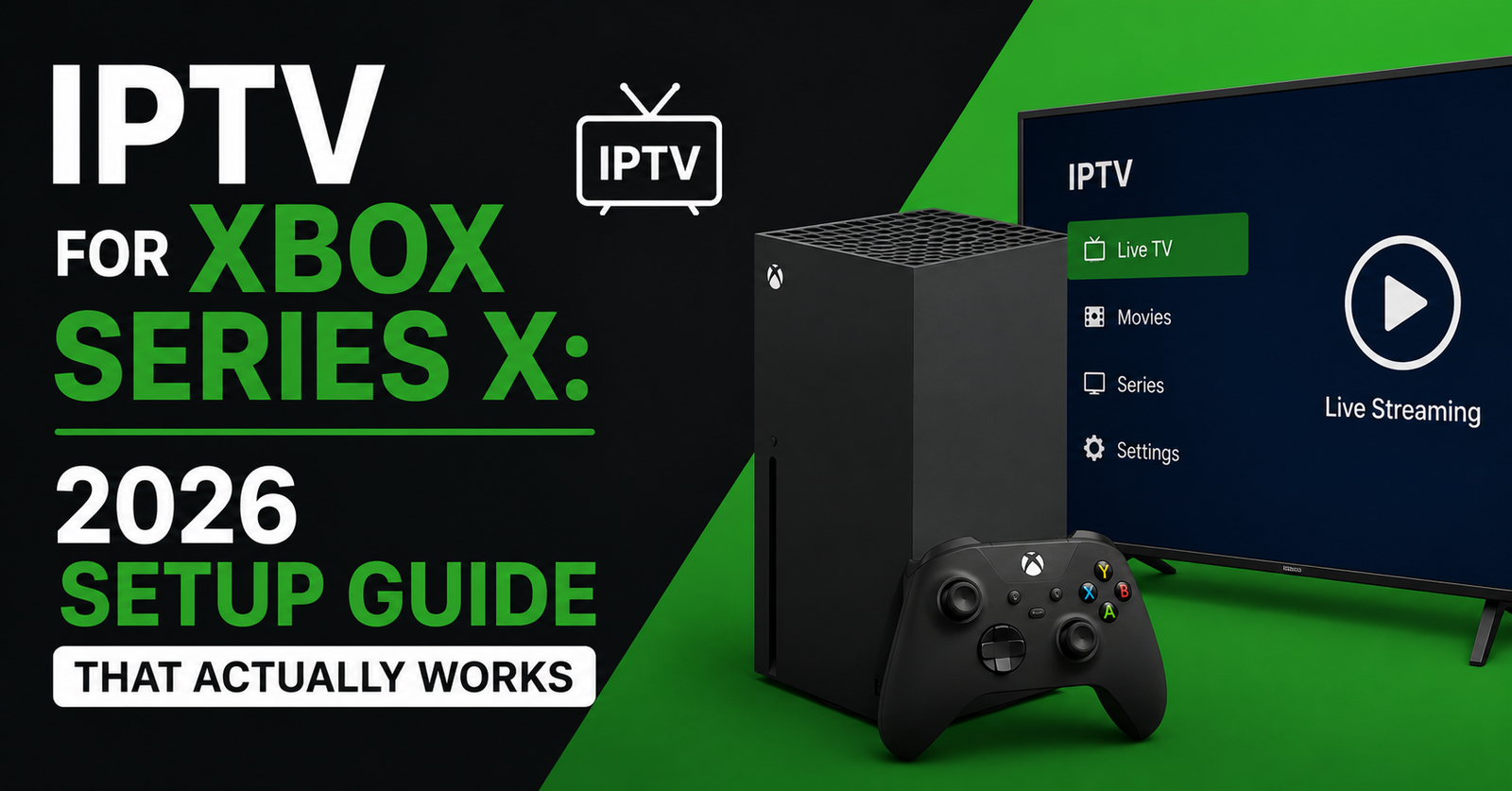
IPTV for Xbox Series X works. It works well, actually. But Microsoft didn’t design this console to be a set-top box, and most guides online skip the parts that matter. They’ll show you how to install an app in four steps and call it a day. Nobody mentions DNS configuration, nobody talks about why Ethernet matters twice as much on console, and nobody explains why your ISP’s default settings actively sabotage IPTV streams on Xbox hardware
.This isn’t a hype piece. If you’re a IPTV Panel reseller, your subscribers already own an Xbox. They’re not buying one for IPTV. Your job — and this article’s job — is to make sure they stop blaming your panel when the real problem is sitting between their router and their console.
Let’s strip this back to what actually works.
Why Most IPTV for Xbox Series X Guides Miss the Point
The internet is flooded with cookie-cutter setup tutorials for IPTV for Xbox Series X. Install app. Enter M3U URL. Done. Five hundred words of nothing.
The problem is that Xbox handles network streams differently than dedicated IPTV hardware. Android-based boxes and Firesticks process HLS and MPEG-TS streams through apps designed specifically for that pipeline. Xbox runs these streams inside a UWP (Universal Windows Platform) sandbox, which introduces processing overhead that most users never account for.
Pro Tip: If a subscriber reports buffering exclusively on Xbox but not on other devices using the same subscription, the issue is almost never your server. It’s the console’s network handling or the app’s buffer settings. Train your support team to ask which device they’re using before escalating anything.
What this means practically: an Xbox Series X with identical internet speeds will behave differently than a Firestick plugged into the same router. Not worse, necessarily — but differently. And “differently” in IPTV means you need to configure things the Firestick didn’t require.
The Apps That Actually Work for IPTV for Xbox Series X
Microsoft’s Xbox Store doesn’t list anything called “IPTV Player” the way Google Play does. You’re working within a closed ecosystem, and your options are narrower. Here’s what holds up under real subscriber use.
My IPTV Player
This is the go-to for M3U-based setups. It’s been in the Xbox Store for years, handles EPG loading reasonably well, and supports external playlist URLs. The interface isn’t glamorous, but it doesn’t crash mid-match — which is what actually matters.
IPTV Smarters (Via Edge Browser Workaround)
Smarters doesn’t have a native Xbox app. Some subscribers sideload it or access the web player through Microsoft Edge on the console. It works, but performance depends heavily on how the panel delivers the stream URL format.
| Feature | MyIPTV Player | Smarters (Web/Edge) |
|---|---|---|
| Native Xbox App | Yes | No |
| M3U Support | Full | Full |
| Xtream Codes API | No | Yes |
| EPG Integration | Yes (XML URL) | Yes |
| Stability on Xbox | High | Moderate |
| Setup Difficulty | Easy | Intermediate |
If your panel supports Xtream Codes API and the subscriber wants that login method, the Edge workaround for Smarters is functional but not ideal for long viewing sessions. For most households, MyIPTV Player with an M3U link is the path of least resistance.
M3U Setup on Xbox Series X — The Version That Skips the Fluff
Every IPTV for Xbox Series X tutorial shows the same four steps. Here’s what they leave out.
After installing MyIPTV Player from the Xbox Store, you’ll need your M3U playlist URL from your reseller panel. Open the app, go to Settings, and add a new playlist. Paste the full URL — not a shortened link, not a redirect. Xbox apps sometimes choke on URL shorteners because the redirect chain times out inside the UWP sandbox.
- Open MyIPTV Player → Settings → Add New Playlist
- Paste the complete M3U URL (no shortened links)
- Set the EPG source URL if your provider supplies one
- Allow 30–90 seconds for the channel list to populate (large playlists take longer)
- If channels don’t load, force-close the app and relaunch before assuming the URL is wrong
Pro Tip: Tell your subscribers to test the M3U URL in a browser on their phone first. If it downloads a file or shows raw text, the URL works. If it errors out, the problem is the link — not the Xbox.
One thing resellers overlook: playlist size affects load time dramatically on console apps. A 15,000-channel M3U will crawl on MyIPTV Player. If you offer segmented playlists (UK only, sports only), push those to Xbox users. Smaller playlists load faster and the EPG maps more reliably.
Xtream Codes API — Does It Even Work on Xbox?
This is where IPTV for Xbox Series X gets complicated. Xtream Codes API is the standard login method across most reseller panels — username, password, server URL. Android apps handle it natively. Xbox doesn’t have a clean native option for it.
The workaround is browser-based. Open Microsoft Edge on the Xbox, navigate to your panel’s web player URL, and log in with Xtream credentials. It functions. The stream plays. But you’re watching IPTV through a browser on a gaming console, and that comes with limitations.
Frame drops during high-motion content. No native remote-friendly interface. Sessions can time out if the console enters power-saving mode. It’s not broken — it’s just not built for this.
- Browser playback works but lacks DVR or catch-up features
- Sessions may drop after inactivity or console sleep mode
- High-bitrate streams (50fps sports) occasionally stutter through Edge
- No channel-switching interface — you’re navigating a web page
For resellers: if a subscriber insists on Xtream Codes on Xbox, provide them the web player link and set expectations clearly. It’s a stopgap, not a primary setup method. M3U through MyIPTV Player remains the recommended path for IPTV for Xbox Series X.
The Buffering Fix That Actually Works (It’s Not Your Server)
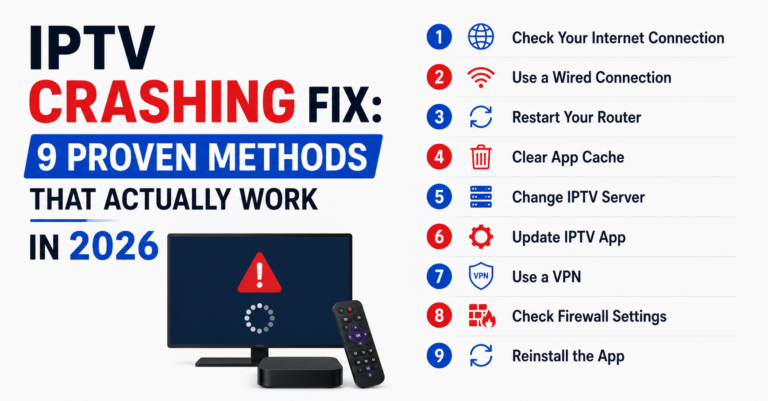
Nine times out of ten, when a subscriber contacts support about buffering on IPTV for Xbox Series X, the problem lives in their home network — not your infrastructure. This is the section your support team should bookmark.
Xbox Series X has both Wi-Fi 6 and Ethernet. If the subscriber is on Wi-Fi, that’s the first problem. Console IPTV streaming demands consistent throughput, not peak throughput. Wi-Fi delivers bursts. Ethernet delivers consistency.
Pro Tip: A subscriber on 200 Mbps Wi-Fi will often experience more buffering than one on 30 Mbps Ethernet. Bandwidth doesn’t fix jitter. Wired connections do.
Beyond the physical connection, DNS settings matter more on Xbox than most users realise. The console defaults to ISP-assigned DNS, which in many regions is slow, filtered, or both. Switching to a public DNS provider (like Google’s 8.8.8.8 or Cloudflare’s 1.1.1.1) from the Xbox network settings resolves a surprising number of “buffering” complaints that are actually DNS resolution delays.
Here’s the quick stack for reducing buffering complaints:
- Switch from Wi-Fi to Ethernet (non-negotiable for 4K streams)
- Change DNS to 8.8.8.8 / 8.8.4.4 or 1.1.1.1 / 1.0.0.1
- Disable IPv6 in Xbox Advanced Network Settings (some ISPs route IPTV traffic poorly over IPv6)
- Close background games or apps — Xbox allocates bandwidth to running titles
- Power cycle the router monthly (lease renewal clears stale routing)
ISP Throttling and DNS Poisoning — The 2026 Xbox Reality
IPTV for Xbox Series X faces the same ISP-level interference that affects every other device, but Xbox users notice it more because they’re less likely to run a VPN. Firestick and Android box users often have VPN apps pre-installed. Xbox users typically don’t, because setting up a VPN on console requires router-level configuration.
In 2026, AI-driven traffic analysis has made ISP throttling more targeted. Major UK and European ISPs now use deep packet inspection that identifies IPTV traffic patterns — even encrypted ones — based on packet timing, destination server behaviour, and sustained bitrate signatures. DNS poisoning remains common too, where ISPs redirect known IPTV server domains to block pages.
| Threat | Impact on Xbox | Mitigation |
|---|---|---|
| DNS Poisoning | Playlist URLs fail to resolve | Manual DNS (8.8.8.8) |
| DPI Throttling | Buffering on peak hours | Router-level VPN |
| IPv6 Routing Issues | Intermittent stream drops | Disable IPv6 on console |
| ISP Port Blocking | App fails to connect | Switch panel to port 443 |
For resellers, the actionable advice here is infrastructure-level. Make sure your panel provider offers streams over port 443 (HTTPS default) and supports backup uplink servers. When a primary CDN gets flagged by an ISP, having automatic failover to a secondary server is what separates a professional operation from one that drowns in support tickets every Saturday at 3 PM.
Pro Tip: If a cluster of subscribers in the same region all report issues simultaneously, it’s almost certainly ISP-level action — not your server. Check your uplink status dashboard before touching anything on the panel side.
Why Resellers Should Pre-Build Xbox Setup Guides
If you’re running IPTV for Xbox Series X as a supported device on your panel, you should have a pre-written setup guide ready to send every subscriber who asks. Not because it’s good customer service (it is), but because it slashes your support ticket volume by half.
Most resellers copy-paste a generic guide or point subscribers to YouTube. The problem is that YouTube guides go outdated fast, and generic instructions don’t account for your specific panel’s URL format, playlist structure, or EPG source.
Build a one-page PDF or a pinned FAQ on your site that covers:
- Recommended app (MyIPTV Player for most users)
- Exact steps with your panel’s M3U URL format
- DNS settings to change before installing anything
- What to do before contacting support (restart app, check URL in browser, try Ethernet)
- Clear statement that Xtream Codes API is browser-only on Xbox
This single document will handle 60–70 percent of Xbox-related queries before they ever reach your inbox. The subscribers who still contact you after reading it will have legitimate issues worth investigating — not setup confusion.
Panel Credits and Xbox Subscriber Management
IPTV for Xbox Series X subscribers consume the same panel credits as any other device subscriber. There’s no premium or additional cost from the panel side for supporting Xbox. But there’s a management nuance worth understanding.
Xbox users tend to be household subscribers, not resellers. They’re watching sports, family content, and movies. They’re less technical than the Android box crowd. This means:
- They submit more support tickets per issue
- They expect plug-and-play simplicity
- They’re less tolerant of workarounds
- They’re more likely to churn after a single bad experience during a major sports event
Pro Tip: Tag Xbox users in your panel or CRM if possible. When server maintenance is scheduled, proactively message these subscribers. The five minutes it takes to send a heads-up saves you twenty angry tickets later.
For resellers managing credit allocation, Xbox subscribers are standard-cost but higher-maintenance. Factor that into your pricing if you offer device-specific support tiers. Some operators charge a small setup fee for console configurations — not for profit, but to filter out subscribers who aren’t serious enough to follow the guide themselves.
Scaling Your IPTV Business When Console Users Grow
As more households default to IPTV for Xbox Series X instead of buying a separate streaming box, resellers will see their console subscriber count climb. This is happening already — the Xbox install base in the UK alone passed several million active consoles, and younger demographics don’t buy Firesticks when they already have a console under the TV.
The scaling challenge isn’t technical. Your CDN handles Xbox streams the same as any device. The challenge is support infrastructure. Console users ask different questions. They reference Xbox menus, not Android settings. Your support scripts need console-specific language.
- Build a separate FAQ section for Xbox on your website
- Train support staff on Xbox network settings navigation
- Create a short video walkthrough (screen-record from an actual Xbox)
- Add Xbox as a device category in your ticket system for tracking
Load balancing matters here too. If a significant portion of your subscriber base is on Xbox and they’re all hitting the same M3U endpoint, peak-time congestion shows up as buffering. Distributing subscribers across multiple playlist server URLs — even if they resolve to the same CDN — helps your load balancer distribute traffic more evenly.
Don’t Sleep on Xbox’s 4K Capability
IPTV for Xbox Series X has one genuine hardware advantage: native 4K HDR output. Most Firesticks cap at 4K30 or struggle with high-bitrate HDR streams. Xbox Series X handles 4K60 natively with proper HDMI 2.1 output.
For subscribers watching premium sports streams or cinema content, this matters. The picture quality ceiling on Xbox is higher than almost any sub-£100 streaming box. But it only works if the IPTV stream itself is delivered in high bitrate — and if the subscriber’s network can sustain it.
A 4K IPTV stream typically requires 25–35 Mbps of sustained throughput. On Ethernet, that’s trivial for most UK broadband connections. On Wi-Fi, you need a router that actually delivers Wi-Fi 6 speeds at the console’s location — not just at the router.
Pro Tip: If a subscriber asks about 4K IPTV on Xbox and they’re on Wi-Fi with a router two rooms away, save everyone’s time and tell them straight: wire it or expect buffering. No amount of DNS changes fix physics.
Frequently Asked Questions
Can I install IPTV Smarters directly on Xbox Series X?
No. IPTV Smarters doesn’t have a native Xbox Store app. The only workaround is using the Microsoft Edge browser on Xbox to access your provider’s web player with Xtream Codes credentials. It works for casual viewing, but it’s less stable than a native app and lacks a remote-friendly channel-switching interface.
What’s the best app for IPTV for Xbox Series X?
MyIPTV Player is the most reliable option available in the Xbox Store. It supports M3U playlists and external EPG sources, handles long viewing sessions without crashing, and has been maintained consistently. For most subscribers, it’s the only app you’ll need to recommend.
Why does IPTV buffer on Xbox but not on my Firestick?
Xbox runs IPTV apps inside a UWP sandbox that handles network streams differently than Android. Combined with the fact that Xbox users are more likely to be on Wi-Fi and less likely to use a VPN, buffering shows up more frequently. Switching to Ethernet and changing DNS settings resolves most cases.
Do I need a VPN for IPTV for Xbox Series X?
A VPN helps bypass ISP throttling and DNS poisoning, but Xbox doesn’t support native VPN apps. You’d need to configure the VPN at router level, which requires a compatible router and some technical setup. For subscribers who aren’t tech-savvy, manual DNS changes are a simpler first step.
How many panel credits does an Xbox subscriber use?
The same as any other device. Xbox connections consume standard credits on Xtream or M3U-based panels. There’s no additional panel cost for supporting console devices — the bandwidth and credit usage is identical to a Firestick or Android box connection.
Is IPTV for Xbox Series X good for watching live sports?
Yes, with caveats. Xbox handles high-motion content well at hardware level, especially in 4K. But live sports require consistent low-latency throughput. If the subscriber is on Wi-Fi or their ISP throttles during peak hours, sports streams will be the first to show problems. Ethernet plus DNS changes are essential for reliable sports viewing.
Can I use both M3U and Xtream Codes on Xbox?
M3U works natively through MyIPTV Player. Xtream Codes API only works through the Edge browser web player — there’s no native Xbox app that accepts Xtream login credentials directly. Most resellers recommend M3U as the primary method for Xbox subscribers because it’s more stable and easier to support.
Should I offer Xbox-specific setup support as a reseller?
Absolutely. Xbox subscribers tend to be less technical and more likely to contact support. Having a pre-written setup guide, a dedicated FAQ page, and support staff trained on Xbox network menus reduces ticket volume significantly. Some resellers charge a small setup fee for console configurations to filter serious subscribers.
Your IPTV for Xbox Series X Success Checklist
One — Switch every Xbox subscriber to Ethernet before troubleshooting anything else. This single change resolves the majority of buffering complaints and costs nothing.
Two — Set DNS to 8.8.8.8 or 1.1.1.1 on the console’s network settings as part of the initial setup. Don’t wait for problems to appear first.
Three — Recommend MyIPTV Player with M3U as the default setup path. Reserve the Xtream Codes browser method for subscribers who specifically request it and understand the trade-offs.
Four — Build a one-page Xbox setup guide branded to your service. Include your specific M3U URL format, EPG source, and DNS instructions. Send it automatically when a subscriber mentions Xbox.
Five — Tag Xbox users in your panel or ticket system. Track their issues separately so you can spot patterns — if five Xbox users in the same city report buffering on the same evening, that’s ISP action, not server failure.
Six — Offer segmented playlists to Xbox subscribers. Smaller M3U files load faster on MyIPTV Player and reduce EPG mapping errors.
Seven — If you’re serious about reducing churn and running a professional IPTV reseller Panel operation, invest time in your infrastructure and support documentation. Resources at britishseller.co.uk cover panel management, credit systems, and reseller scaling strategies that apply regardless of which device your subscribers use.
Eight — Proactively notify Xbox subscribers before scheduled maintenance. These users churn faster than your Android crowd — one bad Saturday without warning and they’re gone.